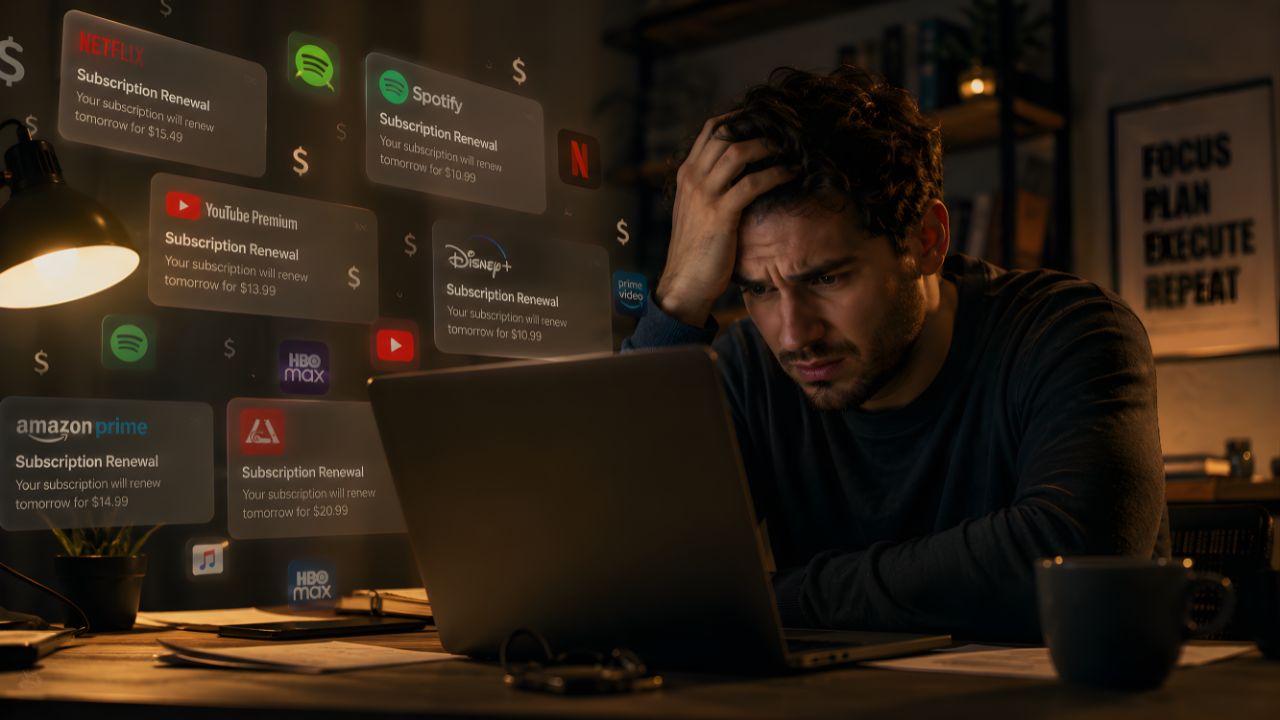
I counted my subscriptions one Sunday afternoon last March properly counted them, with a spreadsheet and the total came to $312 a month. Not annual. Monthly. Adobe Creative Cloud, Notion, Todoist Pro, Spotify, YouTube Premium, some obscure weather app I’d forgotten about that was charging me $4.99… it just kept going. I cancelled seven things that afternoon and felt something between relief and genuine embarrassment. How did it get like this?
Here’s the thing: a lot of those subscriptions replaced apps I used to buy once and own forever. And those permanent, honest apps? They’re still out there. A handful of developers have held the line — kept a one-time price, kept giving free updates, kept treating paying customers like adults who own the software they purchased. These five are the ones I actually use and recommend without hesitation.
Why “Own It Forever” Actually Matters More Than You Think
Have you ever lost access to a year’s worth of notes because you stopped paying for a note-taking app? I have. It’s a special kind of awful completely preventable, entirely their fault, and yet somehow you still feel stupid for letting it happen.
The subscription model works great for genuinely ongoing services: streaming, cloud storage, live collaboration tools. It makes no sense whatsoever for a drawing app that lives on your device and doesn’t need a server to function. The thing nobody tells you is that subscription apps don’t just cost more over time they hold your files hostage. Cancel the subscription, lose access to your work. That’s not a service. That’s leverage dressed up as convenience.
One-time purchase apps, by contrast, make a simple promise: pay us once, use it forever. Simple. Honest. Increasingly rare.
1. Procreate (iPad, iOS) — $12.99, Owned Forever
If you have an iPad and even a passing interest in drawing, illustration, or design, buying Procreate should’ve already happened. Procreate costs $12.99 — a one-time purchase, not a subscription. You pay once and own it forever. No monthly fees, no surprise charges, no “premium tier” to unlock later.
That’s less than a large pizza. For professional-grade digital art software that illustrators, concept artists, and designers use for actual paid client work.
In a world where Adobe charges $22.99 per month — $275 per year — for Photoshop alone, Procreate’s pricing model is almost rebelliously consumer-friendly. Savage Interactive has tracked this pricing across 31 snapshots and the one-time model has never wavered. The price went from $9.99 to $12.99 once, years ago, and that was it. Free updates ever since.
Honestly, the quality here is embarrassing for the price. The brush engine, the layer system, the animation tools, the time-lapse recording of your entire drawing process — this is the app that converted a generation of hobbyists into working digital artists. The learning curve is gentle if you’ve used Photoshop before, and the Apple Pencil integration is the best in the business.
If you’re an iPhone user, there’s also Procreate Pocket for $5.99 the mobile version with a slightly streamlined feature set, perfect for sketching ideas on the go.
Who it’s for: iPad owners who draw, illustrate, design, or want to start. If you’re on Android, this one isn’t available, skip to app number two.
2. Infinite Painter (Android + iPad) — $9.99 One-Time
Infinite Painter’s full version is a one-time purchase of $9.99, with a 7-day free trial that lets you try all the features before committing.
This is the answer for Android users who look at Procreate reviews and feel left out. Infinite Painter runs on Android tablets and iPads, gives you a genuinely powerful brush engine, custom brush creation, perspective guides, symmetry tools, and a layer system that doesn’t feel compromised. The interface takes an hour to get comfortable with and then it’s just fast.
I’d push back on any review that treats Infinite Painter as a “budget Procreate.” It’s a different app that happens to do a lot of the same things, and on Android tablets — especially the Samsung Galaxy Tab S series — it performs extremely well. The developers have been consistent about updates without flipping to a subscription model, which in 2026 puts them in genuinely rare company.
Who it’s for: Android tablet owners who want serious drawing tools. Also a solid option if you want cross-platform digital art without the iPad lock-in.
3. Obsidian (All Platforms) — Free Core App, Optional Sync at $4/Month
Okay, this one is a little different from the others, so let me explain the model clearly because people get confused about it.
Obsidian’s core app is genuinely free for personal use with no feature restrictions, no sign-up, and no usage caps. The entire application — bidirectional linking, graph view, 2,690+ community plugins, canvas mode, and the new Bases database feature — works without paying a cent.
Notes are stored as plain Markdown files on your local device. There’s no feature gating, no note limits, and no trial period that expires.
The optional paid parts are exactly that — optional. Sync costs $4 per month if you want automatic cross-device syncing through Obsidian’s servers. Publish costs $8 per month if you want to host your notes as a public website. If you sync your notes folder through iCloud, Google Drive, or Syncthing — all free options — you never need to pay a penny.
I’ve been using Obsidian for my entire writing workflow since 2023. All my notes, drafts, article ideas, research, everything — living in plain Markdown files I can open with any text editor if Obsidian ever disappears tomorrow. That’s the whole point. No company holds your data. No subscription cancellation means no access. Your notes are just… files. On your computer. (Revolutionary concept, apparently.)
The community plugin ecosystem is extraordinary — there are plugins for tasks, spaced repetition flashcards, canvas-style visual thinking, database-like queries, and about two thousand other things.
Who it’s for: Writers, students, researchers, anyone building a personal knowledge base, and anyone whose Notion subscription just annoyed them one too many times.
4. LumaFusion (iPad, iPhone) — $29.99 One-Time
If you’ve ever wished for a proper desktop-grade video editor on your iPad without subscribing to Adobe Premiere’s mobile tier — LumaFusion is the answer, and it’s been the answer for years.
One payment of $29.99 and you get a six-track timeline editor, color grading tools, audio mixing, chroma key, motion graphics, and export to ProRes, H.264, and H.265. It’s used by professional journalists and documentary filmmakers who shoot on iPhone and need to edit in the field. Not “content creators who want to look professional.” Actual professionals.
The thing nobody tells you is that the $29.99 also includes updates, and LumaFusion has been actively developed for years without once converting to a subscription. In a category where most mobile video editors have either gone subscription (CapCut Pro is $19.99/month) or stripped features from the free tier, LumaFusion has held its ground completely.
It runs on iPad and iPhone, exports directly to YouTube, Vimeo, and social platforms, and the timeline editing experience is close enough to desktop editing that professionals bring it on location shoots as a legitimate backup workflow — you get the idea.
Who it’s for: iPad and iPhone users who want serious video editing without a monthly bill. Especially good for journalists, travel creators, and anyone who edits on the go.
5. Pockity (Mac, Windows) — $19.99 One-Time
Here’s one that’s less famous than the others but genuinely excellent for anyone who tracks tasks, goals, or projects and is absolutely done paying Todoist or Things 3 a monthly fee.
Pockity is a local-first task manager that stores everything as plain text files, costs $19.99 once, and does exactly what a task manager should do without a server dependency, a sync subscription, or a recurring charge. The syntax is simple — you type tasks in a natural format, tag them, set priorities, and Pockity organises them into views. It’s fast, lightweight, and the kind of app that makes you wonder why anyone pays $36 a year for Todoist Premium.
In my experience, the simpler the task manager, the more consistently you actually use it. Pockity’s constraint is its strength — it doesn’t have a hundred features you’ll configure once and forget. It has the features you actually use every day. Pay once, use forever, data lives on your device.
Who it’s for: Mac and Windows users who want a genuinely capable task manager without a subscription. Especially good for people who’ve abandoned overbuilt tools like Asana or Monday.com for personal use.
So Which One Should You Actually Start With?
Here’s the honest breakdown based on what kind of user you are:
If you draw on an iPad → Procreate, $12.99, no question. It’s the easiest recommendation on this list.
If you draw on Android → Infinite Painter, $9.99. Download the 7-day trial first, but you’ll buy it.
If you write, research, or take notes → Obsidian, free. Start there, sync through iCloud for nothing extra.
If you edit video on iPad or iPhone → LumaFusion, $29.99. Pay it once and stop thinking about it.
If you need a task manager and own a Mac or Windows PC → Pockity, $19.99. Cheaper than two months of Todoist Pro.
None of these apps are perfect. Procreate is iPad-only. Obsidian has a learning curve that’ll take a weekend to clear. LumaFusion’s interface is dense for beginners. But every single one of them makes a promise that most software quietly stopped making: you buy it, you own it, it’s yours.
The Bigger Point
The subscription model isn’t going anywhere. For services that genuinely need ongoing infrastructure — streaming, cloud storage, live collaboration — it makes sense. But there’s a quiet rebellion happening in the indie app space, and these five developers are part of it. They’ve decided that treating customers fairly is a sustainable business model.
Are you tracking how much you spend on app subscriptions every month? Pull up your bank statements and actually add it up — I’ll wait. Whatever number you come up with, I’d bet at least half of it is for software you could replace with a one-time purchase and never think about again.
Which of your current subscriptions frustrates you the most — and have you found a one-time purchase alternative that actually replaced it? Drop it in the comments. I’m genuinely building a longer list of these, and your suggestions feed directly into future articles.