Last January I watched a colleague spend eleven minutes in a meeting trying to find a task she’d written in — her words — “either Todoist, my notes app, or maybe that other one.” She had four productivity apps open simultaneously and couldn’t locate a single to-do. That’s the paradox nobody warns you about: the more apps you download to get organized, the more organized your chaos becomes. I’ve been there. I’ve installed and deleted Notion three separate times before it finally clicked for me, and I’ve cycled through enough time-tracking tools to know the difference between one that helps and one that just adds another thing to feel guilty about ignoring.
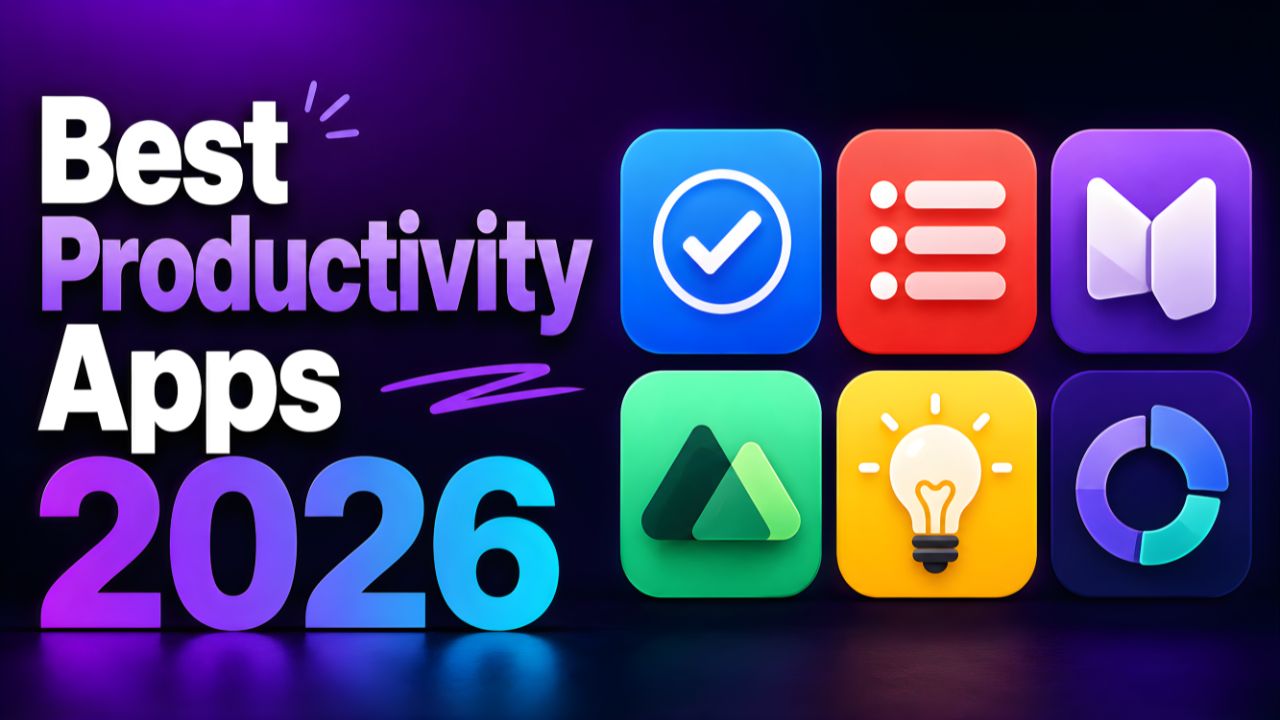
So here’s what this list actually is: the ten apps I’d genuinely point a friend toward in mid-2026, ranked by how well they hold up for real working days — not demo videos. I’ve included download links for both Google Play and the App Store because hunting for them is annoying and you’ve got better things to do.
The best productivity app is the one you’ll actually open tomorrow morning. Everything else is just very expensive journaling.
1. Notion
All-in-one workspace for notes, tasks, databases & docs
NotesDatabases
Notion has earned the top spot by doing something most apps never manage: it gets out of your way once you understand it. The 2025 AI layer that Notion embedded directly into pages — available on the $10/month Plus plan — has become genuinely useful for drafting meeting summaries and surfacing related notes without leaving the app. In my experience, it takes about two weeks of regular use before your workspace stops feeling like a blank canvas and starts feeling like a second brain.
It’s offline-first on mobile now too, which was the major complaint for years. Pages load and sync without a signal. That’s not a small thing for anyone who works on trains or in spotty coworking spaces.
2. TikTik
Task manager, habit tracker & Pomodoro timer in one
TasksHabits
TickTick is what happens when a task manager refuses to be just a task manager. The built-in Pomodoro timer is better designed than most standalone focus apps, the habit tracker doesn’t feel bolted on, and the calendar view actually earns its place on the screen. Honestly, I switched from Todoist to TickTick in 2024 and haven’t looked back — the $35.99/year Premium price is one of the best value propositions in the category. The natural language input (“call dentist next Tuesday at 10am”) works exactly as advertised, every time.
3. Forest
Focus timer that grows real trees when you stay off your phone
FocusMindful
Forest is the most emotionally clever productivity app ever made. You plant a virtual tree, set a focus timer, and if you leave the app before the timer ends the tree dies. That’s it. The concept sounds trivial until you’ve watched your little tree shrivel because you couldn’t resist checking Instagram — and then you feel disproportionately bad about it. It works because guilt, apparently, is a strong motivator. The app also partners with Trees for Africa and other nonprofits, so accumulated in-app coins plant real trees. $3.99 one-time on iOS, free with ads on Android.
4.Structured
Visual daily planner with drag-and-drop timeline scheduling
PlannerVisual
Structured is the indie darling of this list and it absolutely deserves the spot. Where every other planner shows you a list of tasks, Structured shows you a visual timeline of your day — each block sized proportionally to how long it takes. You can drag tasks, see gaps in your schedule at a glance, and feel the rhythm of your day before it starts. It’s the app that finally made me understand how long things actually take, which is something I’d somehow avoided confronting for about a decade.
The thing nobody tells you about visual day planners is how much faster they are to process than text lists — your brain reads a timeline chart in under a second. $29.99/year for Pro unlocks calendar sync, recurring tasks, and widgets.
5 Amplenote
Note-taking + task management fused with a jot pad philosophy
NotesTasks
Amplenote is still under the radar for most people, which is baffling because it solves a genuine problem: the gap between capturing an idea and turning it into a task. Its “jot pad” system lets you dump anything into a daily scratchpad, and Amplenote automatically surfaces items that need to become calendar events or tasks. The Task Score system — which ranks your to-dos by importance, due date, and time invested — is either brilliant or annoying depending on your personality. I think it’s brilliant. It forces you to confront what you keep pushing down your list.
6. Toggl Track
Effortless time tracking for freelancers and remote teams
TimeFreelance
If you bill clients by the hour, Toggl Track is non-negotiable. Start a timer with one tap, tag it to a client and project, and at the end of the week your time sheet is already built. The free plan covers unlimited tracking for solo users — no paywall until you need team features or detailed reporting. The web dashboard is where the real power is, but the mobile app is clean enough that you’ll actually remember to hit start before a call rather than retroactively guessing how long it took.
7 Bear
Markdown notes with beautiful typography — Apple ecosystem only
iOS OnlyMarkdown
Bear is iOS and macOS only — no Android, full stop — which immediately disqualifies it for a chunk of readers. But if you’re in the Apple ecosystem and write anything in Markdown, Bear is the best-designed notes app on the planet. The typography alone is worth the $2.99/month Pro subscription. It handles nested tags beautifully, links between notes, and exports to PDF, Word, or plain text without any fuss. (I’ve written entire first drafts of articles in Bear just because it’s pleasant to look at.) For Android users, Obsidian — free, local-first, slightly more complex — is the closest spiritual equivalent.
8 Spark Mail
Smart email app with AI triage and team collaboration features
EmailAI Triage
Email apps are usually not “productivity apps” in the way people think — but a bad email experience destroys more focused work time than almost any other single app. Spark’s AI Priority Inbox, which learned my actual patterns within about five days of use and now reliably surfaces the two or three emails that actually need me first, has genuinely changed how I start my mornings. The free tier is enough for most solo users; the $4.99/month Premium unlocks full AI features and email scheduling. I’d push back on anyone who says their current default mail app is “fine” — spend one week with Spark and report back.
9 Obsidian
Local-first, offline Markdown notes with a knowledge graph
Offline-FirstPower User
Obsidian is free, local-first, and technically has a learning curve that would scare off a reasonable person — but once it clicks, it becomes impossible to leave. Your notes live as plain text files on your own device. No company servers, no subscription required for the core app (sync across devices costs $8/month if you need it). The backlink and graph view system, which maps how your notes connect to each other, is the closest thing to an external memory system I’ve found on any platform. If you write regularly and think in connected ideas rather than simple lists, Obsidian is worth every confusing afternoon it takes to set up.
10 Focus Flow
Minimalist Pomodoro timer with deep work session analytics
FocusMinimal
Focus Flow has quietly become one of the most-downloaded dedicated focus timers in 2026, and it’s easy to see why — it does one thing and does it without any of the cruft that bloats other timer apps. Set your work interval (default 25 minutes), set your break, hit start. The session analytics show you streaks, average daily deep work hours, and your best-performing time blocks over the past 30 days. That last feature is deceptively useful: once you can see that you consistently produce your best work between 9am and 11am, you start protecting that window differently.
Quick Pick: Which App Is Right for You?
| You Are… | Start With | Why |
|---|---|---|
| A freelancer tracking billable hours | Toggl Track | One-tap timers, client tagging, free solo plan |
| A student juggling assignments & deadlines | TickTick | Task + habit + Pomodoro in one app at $35.99/year |
| Someone who thinks in connected ideas | Obsidian | Local-first, free, knowledge graph that actually maps your thinking |
| A visual thinker who needs a daily schedule | Structured | Timeline view makes the shape of your day instantly readable |
| A team or solo knowledge worker | Notion | Notes, databases, docs, and AI in one place |
| Someone drowning in distraction | Forest | Guilt-based focus that genuinely works for $3.99 |
| An Apple user who writes in Markdown | Bear | Best typography and UX in any notes app, period |
The golden rule about productivity apps Don’t download more than two new apps from this list at once. The most common reason people abandon every productivity app they try isn’t that the apps are bad — it’s that they try to overhaul their entire system in a weekend, get overwhelmed, and retreat to a notes app and a half-finished to-do list. Pick one app for your biggest pain point. Use it for three weeks. Then decide if you need anything else.
If there’s a through-line across the apps that are earning loyal users in 2026, it’s this: offline-first design, minimal subscription pricing that feels proportional to the value delivered, and a clear opinion about what they’re for. Forest doesn’t try to be a task manager — it just kills your phone addiction for 25 minutes. Structured doesn’t want to store your documents. That clarity of purpose, honestly, is harder to find than you’d think in an app category that’s been around for twenty years and still hasn’t agreed on what “productivity” even means.
Here’s what I genuinely want to know: which app from this list — or one I didn’t mention — has actually changed how you work? Not just “I use it,” but changed. Drop it in the comments with one sentence about why, and I’ll put together a reader picks edition later this year.